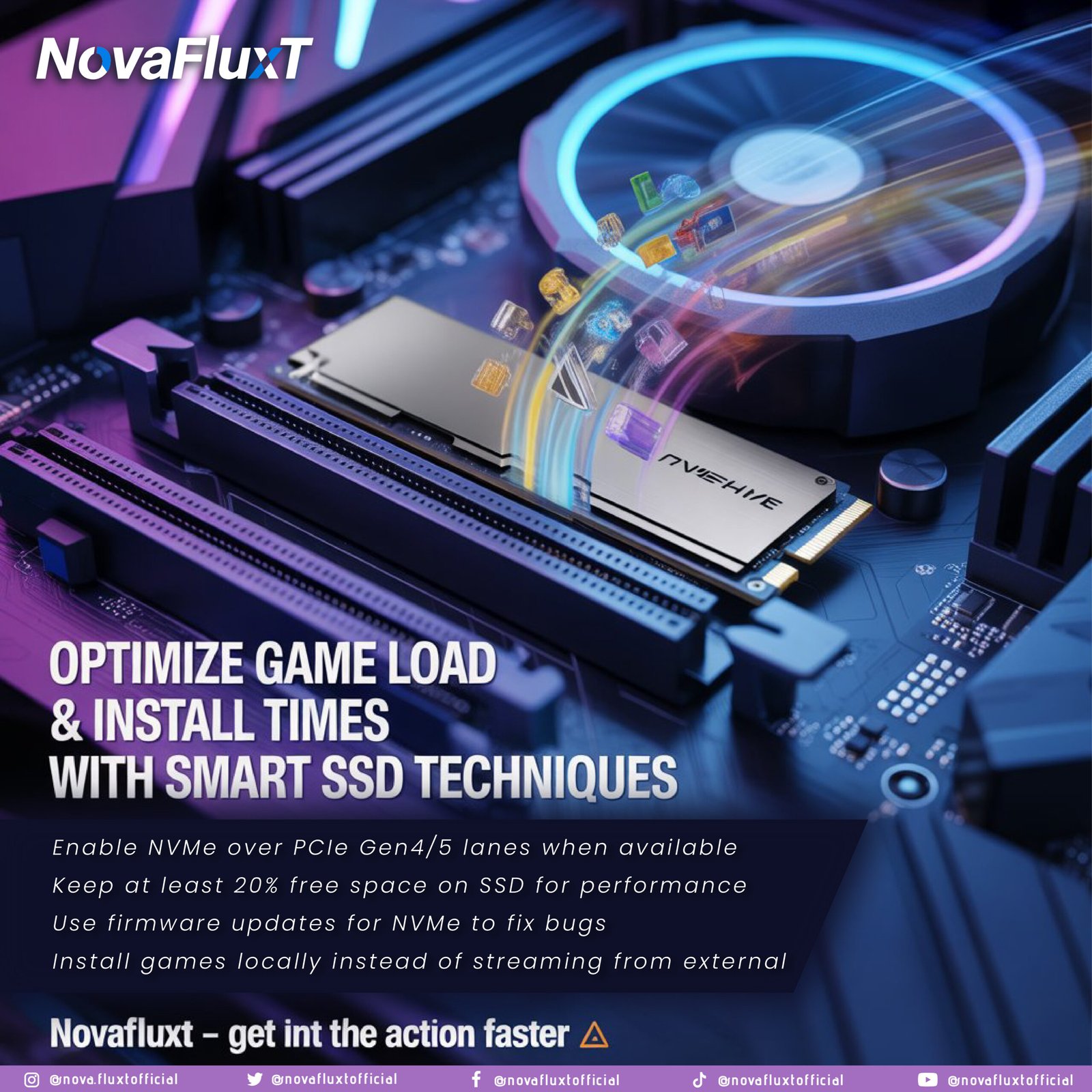
In 2025, gamers and content creators alike expect near‑instant load times, minimal install delays and smooth transitions between levels or workflows. The storage subsystem is often a bottleneck. A well‑optimized NVMe SSD and correct workflow can make the difference between “waiting for load bar” and “launch instantly”. In this deep dive, we’ll explore four strategies to maximize SSD performance for gaming/installation workflows.
1. Enable NVMe over PCIe Gen 4/5 Lanes
Modern NVMe SSDs can deliver extremely high bandwidth when connected via the correct PCI Express lanes. However:
- If an NVMe slot is wired as PCIe 3.0 or shares lanes with other devices, you may not get full speed.
- In the BIOS/UEFI, ensure your NVMe drive is recognized as Gen 4 (or Gen 5) x4 where supported.
- For game installations and frequent loads, bandwidth and low latency matter: faster sequential & random reads translate to quicker game world loading.
Implementation tip: Use benchmark tools (like CrystalDiskMark) to check your drive’s real read/write speeds. If you’re under spec, check BIOS settings, slot mode, or lane sharing.
2. Keep At Least 20% Free Space on Your SSD
SSDs degrade in performance when nearly full. The reasons: fewer spare blocks for wear‐leveling, increased write amplification, slower garbage collection and more defragmentation of internal pages.
Best practice:
- Avoid filling your system/boot SSD to >80% capacity.
- On a gaming system: install games across multiple drives if one is getting full.
- Periodically run the manufacturer’s tool to check drive health, spare area and performance.
By maintaining free space, you keep load/install times consistently fast and avoid degraded performance as the drive nears end‑of‑life.
3. Use Firmware Updates for NVMe Drives
Manufacturers periodically release firmware updates for SSDs that address bugs, improve performance, enhance thermal behaviour and boost reliability.
What to do:
- Download the SSD manufacturer’s utility (e.g., Samsung Magician, WD Dashboard, Crucial Storage Executive).
- Check for updates; apply only after backing up important data.
- After update, re‑benchmark to verify improved performance or stability.
By staying current, you avoid performance regressions (some related to OS updates) and maintain top‑tier install/load times.
4. Install Games Locally on the NVMe Drive
Game streaming (e.g., cloud) or installing on slower external drives (USB‑C, HDD) introduces latency and loading delays. For best experience:
- Use internal NVMe SSDs for game installs — this offers low latency and high bandwidth.
- Use external drives only for cold storage (completed games, media) not active play.
- Maintain a fast game‑install drive separate from work/OS drive if necessary — this isolates loads, cache and improves repeatability of performance.
When games live on fast local storage, you reduce wait times between levels, quicker texture loads, and general “feel” of responsiveness.
Putting It All Together: Workflow Checklist
- Verify NVMe slot wiring in the motherboard; confirm Gen 4/5 x4 link.
- Install SSD and update firmware; benchmark read/write speeds.
- Partition your drive layout: OS + apps on one SSD, games on another if needed. Leave 20‑30% free space.
- Install games locally; keep streaming/storage on secondary disk.
- Periodically update SSD firmware, monitor drive health, track load/install times.
- Document load/boot times before/after, build case studies for user experience gains.
Benefits & Limitations
Benefits:
- Faster game load/level transitions.
- Shorter install times and less staging/waiting.
- Smoother workflows in content creation or development environments.
Limitations & Caveats: - If your motherboard doesn’t support Gen 4/5 lanes in the slot you use, you may not get full benefit.
- Drive heat/thermal throttling can still impair performance — NVMe drives may require heatsinks or airflow.
- Drive cost per GB remains higher for top tier NVMe; budget drives may still lag.
Optimizing your SSD setup for game load and install performance in 2025 isn’t just about buying the fastest drive. It’s about smart configuration, firmware maintenance, reserving free space and local installation discipline. By aligning platform, firmware, and workflow, you ensure top‑tier responsiveness.
🎮 NovaFluxT — Get into the action faster