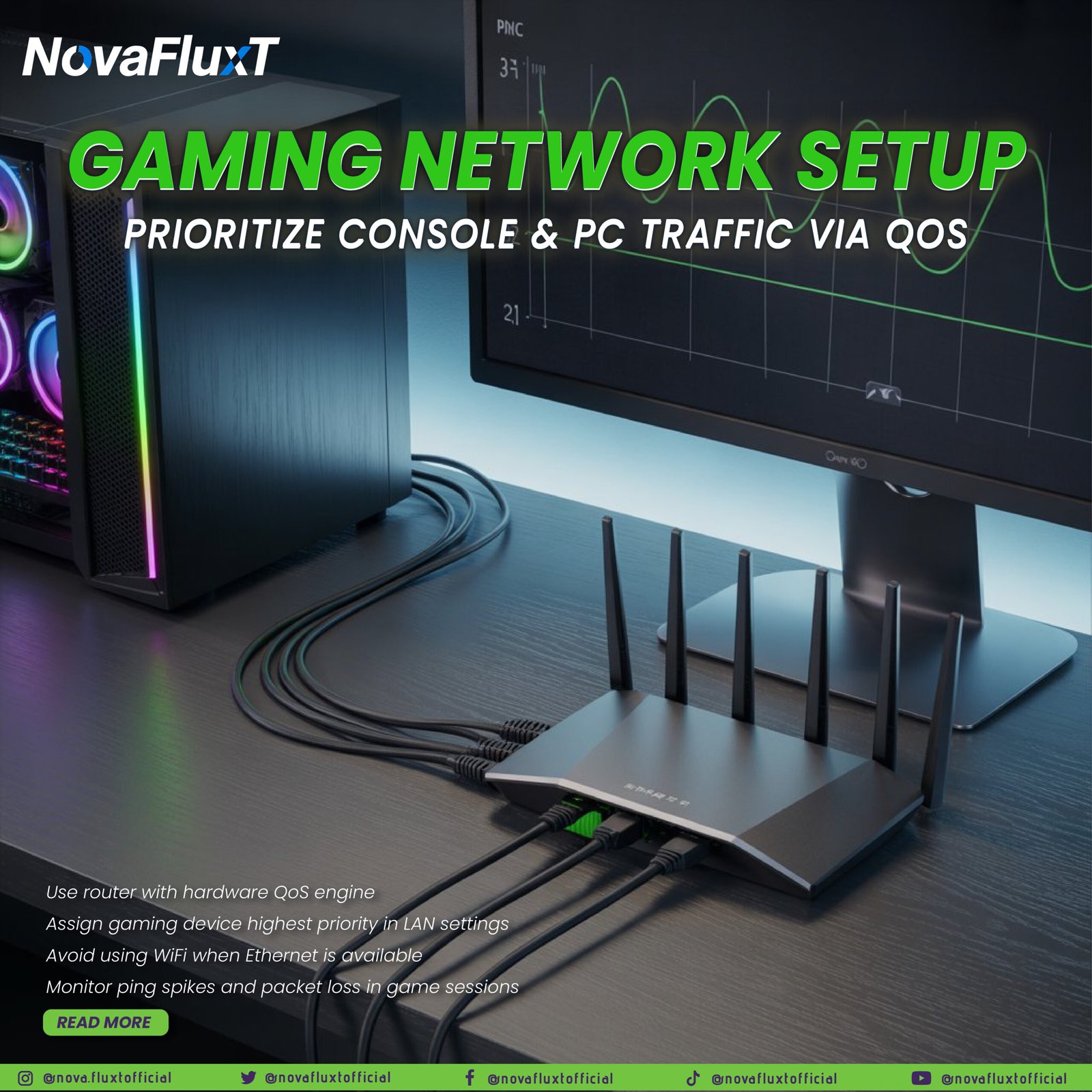
As homes become increasingly connected and multiple devices vie for bandwidth, online gaming — especially competitive multiplayer — faces unique network challenges: latency, jitter, packet loss, and congestion. Traditional broadband speeds are less the issue than how traffic is managed. Enter Quality of Service (QoS): by controlling packet prioritization, you can ensure your gaming setup gets the resources it needs for smooth, responsive play. This article breaks down how to set up a high‑performance gaming network in 2025.
Why QoS Matters for Gaming
Gaming demands low latency, minimal jitter and consistent packet delivery. Unlike video streaming (which can buffer ahead), games rely on real‑time bidirectional communication. QoS allows you to assign higher priority to gaming traffic so it isn’t delayed by other network activity.
1. Use a Router with Hardware QoS Engine
High‑end gaming routers now include dedicated hardware and firmware for traffic prioritization — ensuring QoS rules are handled at wire speed, not just software throttle. Look for routers with “Gaming QoS”, “Device Prioritization”, or “Game Boost” features.
What to check:
- Ensure your router has a “Gaming” or “High Priority” lane in Traffic Management settings.
- Firmware‑update your router to enable the latest QoS algorithms and bug‑fixes.
2. Assign Gaming Device Highest Priority in LAN Settings
Once your router supports QoS, you must identify the device(s) that require priority: your gaming PC, console, or streaming box. Set them to “High,” “Highest,” or equivalent. Many routers let you assign via IP or MAC address.
Steps:
- Reserve a static IP or map the MAC address of your gaming device.
- Navigate to QoS / Traffic Manager section in your router’s UI.
- Assign the device to the highest priority class.
- Save settings, and optionally reboot router for changes to fully apply.
3. Use Wired Ethernet When Possible
Wireless introduces extra variables: interference, signal degradation, packet retries, and increased latency. For critical gaming sessions, always prefer wired Ethernet (Cat 5e/6/6a) when feasible.
Tips:
- If your gaming rig is some distance from the router, consider running Ethernet cable or using a high‑quality powerline/mesh fallback (though wired is still best).
- Disable unused WiFi networks on gaming device during competitive play to avoid automatic fallback or interference.
4. Monitor Ping Spikes, Packet Loss, and Fine‑Tune
Even after setting priority, real‑world network behaviour must be checked. Look for metrics like:
- Latency (ping) consistency < 50 ms for many online games.
- Jitter (variance in latency) and packet loss (ideally < 1%)
Use router logs, built‑in performance dashboards, or in‑game network monitors. If you detect issues, revisit QoS rules: reduce bandwidth shared with low‑priority devices, schedule heavy downloads outside prime gaming times, or consider separate network segments.
Putting It All Together: Workflow
- Update router firmware and ensure QoS engine is active.
- Reserve static IP/MAC for your gaming console/PC.
- Enable QoS, assign your gaming device “Highest Priority”.
- Connect gaming device via wired Ethernet unless impossible.
- Avoid heavy downloads/streams on same network segment or schedule them off‑peak.
- Monitor in‑game ping, packet loss, and router performance; adjust as needed.
- For housewide setups: consider guest WiFi or separate SSID for streaming/IoT to isolate non‑critical devices.
Benefits & Limitations
Benefits:
- Reduced lag, smoother multiplayer performance.
- Fewer interruptions from other household devices.
- Better control over network resources even with lower‑cost internet plans.
Limitations: - QoS doesn’t increase your raw bandwidth — it optimizes allocation.
- In very low latency setups (<20 ms) the gains may be marginal unless network is saturated.
- Wireless remains unpredictable; wired is still the gold standard.
In 2025, a high‑speed internet plan is just step one. The next level is how you manage traffic across devices, which is where QoS excels. By using a capable router, assigning your gaming rig priority, using wired connections when possible, and monitoring real‑time performance, you’ll keep your edge in online competition.
NovaFluxT — Stay ahead in multiplayer